
Event Reschedule Email
When you have configured an override template in ACME's Backoffice for Event Reschedule Emails, it will continue to be triggered at the same time as ACME's default would, but will use your SendGrid template instead. This email is triggered when a user:
- Edits an event instance and changing the start time
- Reschedules a private event in the private event dialog
Attached below are 2 files to help you build your dynamic template in SendGrid:
1. EventRescheduleEmail_SendGrid_DataVariables
This is an HTML file that you can paste into a Dynamic Template in SendGrid. It includes the ACME data variable + a label for each data element passed in the integration for the Event Cancelation Email. Once you have Test Data added to your template as well, you will be able to see how the variables render inside SendGrid.
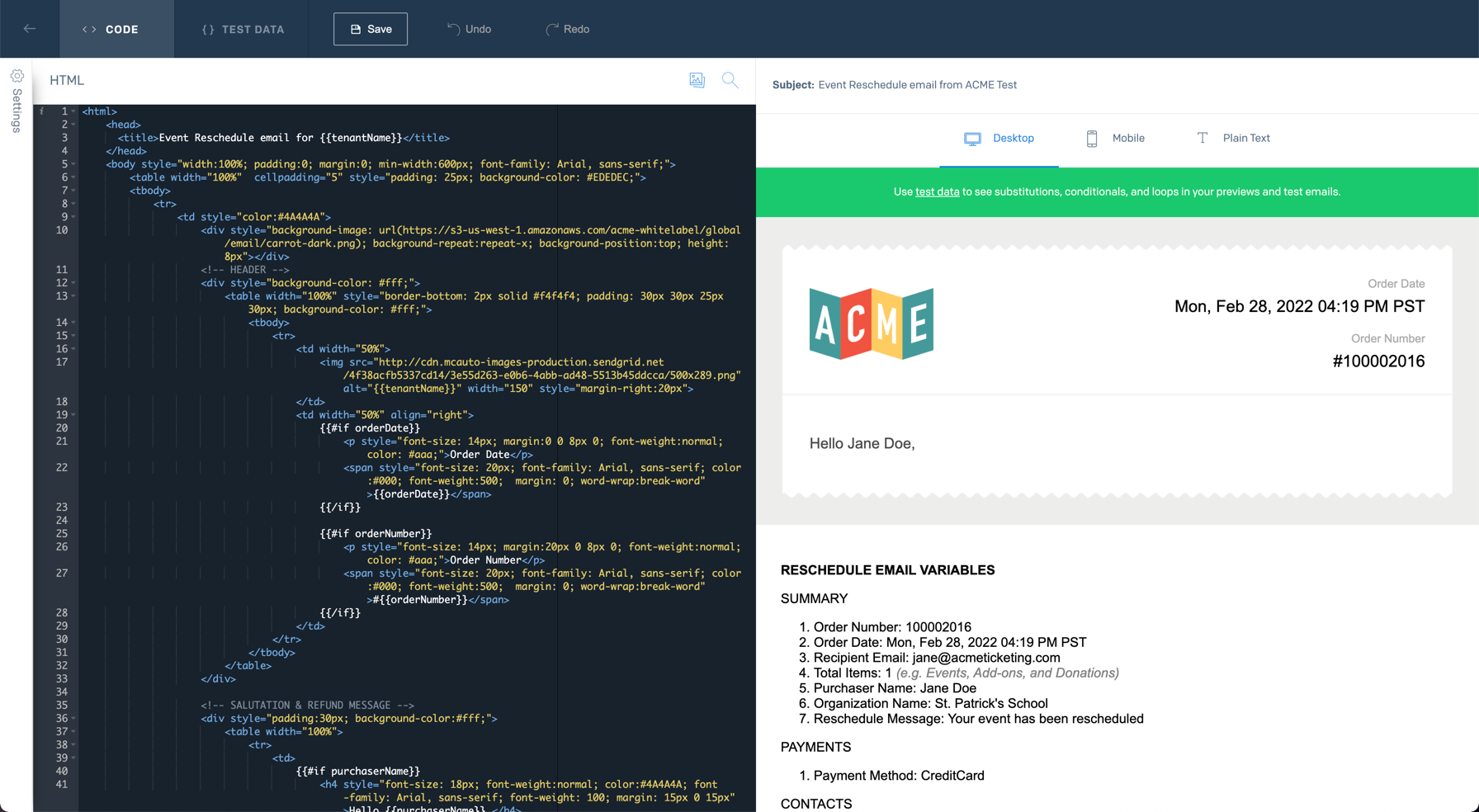
2. EventRescheduleEmail_SendGrid_TestData
This is a sample JSON file for a basic order that you can insert into the Test Data of your Dynamic Template in SendGrid. It should get you started in understanding how to manipulate the test data in order to see how the different variables render in the Data Variables file.
We recommend testing with a range of events, ticket types, and scenarios specific to your venue and ACME configuration to ensure that you create a dynamic template that works as you intend for different purchases.